Rehmat Card Balance Check 2026: SMS, App, Online Portal & Helpline Number
If you have recently applied for a Punjab Chief Minister Rehmat Card, checking your remaining balance is essential to plan your utility store purchases. This guide explains how to check Rehmat Card balance in 2026 using SMS, mobile app, online portal, and helpline numbers. All methods are updated, free, and beginner-friendly.
Why Regularly Checking Your Rehmat Card Balance Matters
The Rehmat Card scheme, launched by Punjab Chief Minister Maryam Nawaz Sharif, provides financial assistance to widows and orphaned children . Beneficiaries receive a quarterly subsidy that can be used at Utility Stores across Punjab . Checking your balance regularly helps you:
- Track your remaining subsidy.
- Avoid disappointment at the checkout counter.
- Plan your monthly grocery budget.
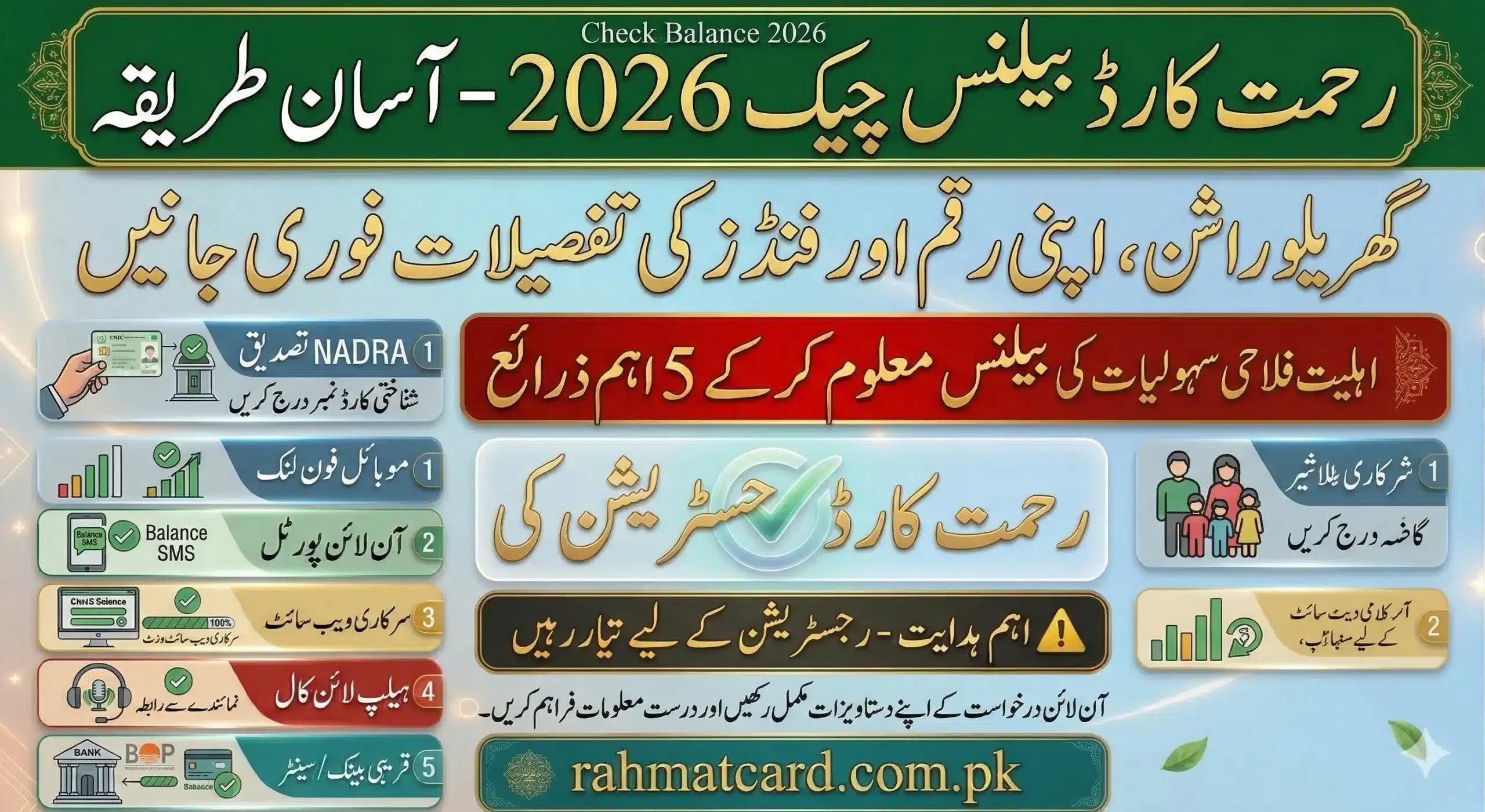
4 Easy Ways to Check Rehmat Card Balance in 2026
1. Check Rehmat Card Balance via SMS (Fastest & Most Popular)
The SMS method works without internet and is available 24/7. Simply send your CNIC number to the official short code.
How to Check by SMS:
- Open your phone’s messaging app.
- Type your 13-digit CNIC number without dashes or spaces.
Example: If your CNIC is35201-1234567-8, type3520112345678. - Send the message to 812.
- Within a few seconds, you will receive an SMS showing your current balance.
Note: This service is completely free of charge. Standard SMS rates may apply depending on your mobile package.
2. Check Balance Using the Official Utility Stores App
The Government of Punjab’s Utility Stores Corporation (USC) offers a mobile app for Android users.
Step-by-Step Guide:
- Download the “Utility Stores” app from Google Play Store.
- Open the app and register using your CNIC number and registered mobile number.
- After logging in, your current Rehmat Card balance will be displayed on the home screen.
3. Check Balance Online via Web Portal
You can also check your balance from a computer or smartphone browser.
Complete Process:
- Visit the official Utility Stores web portal: https://utilitystores.gov.pk/
- Click on the “Check Balance” section.
- Enter your CNIC number and the OTP sent to your mobile.
- Your current balance and transaction history will appear on the screen.
This method is ideal for users who prefer a larger display and want to keep a record of their purchases.
4. Check Balance at Any Utility Store Counter
If you do not have a smartphone or internet access, simply visit your nearest Utility Store. Show your original CNIC and Rehmat Card to the staff. They will check your balance instantly using their point‑of‑sale system.
Rehmat Card Balance Not Showing? Troubleshooting Guide
Facing issues while checking your balance? Try these solutions:
| Problem | Solution |
|---|---|
| SMS not received | Double-check your CNIC number (13 digits, no spaces). Ensure your mobile is registered with the NADRA database. Try again after 15 minutes. |
| Balance shows zero | Your quarterly subsidy may have been exhausted, or the card might be temporarily blocked. Contact the helpline. |
| App shows error | Update the app to the latest version, or clear its cache. If the problem persists, reinstall the app. |
| Balance not updating after purchase | Wait 24–48 hours for the system to update. If it still doesn’t show, call the helpline. |
Official Rehmat Card Helpline Numbers 2026
If you need direct assistance, contact the official helpline:
- Toll-Free Helpline: 0800-29000
(Available Monday–Friday, 9:00 AM to 5:00 PM)
Calls are free from landlines and most mobile networks. Keep your CNIC handy when calling.
Pro Tips to Manage Your Rehmat Card Balance
- Check your balance at least twice a month – so you never run out unexpectedly.
- Keep your CNIC and mobile number updated with NADRA to avoid SMS issues.
- Never share your OTP or CNIC with anyone claiming to be from the government.
- Use only official channels (SMS 812, USC app, or USC website) to check balance – avoid third‑party websites that may ask for personal information.
Latest Updates on Rehmat Card Balance System 2026
As of 2026, the SMS method (812) remains the most reliable and widely used way to check balance. The Punjab government has not changed the checking procedure. However, more digital kiosks are being installed at Utility Stores to help beneficiaries check balances without staff assistance.
Frequently Asked Questions (FAQs)
1. What is the SMS number to check Rehmat Card balance?
Send your 13-digit CNIC number to 812.
2. Is internet required to check Rehmat Card balance?
No. The SMS method works without internet. The app and web portal require an internet connection.
3. Is there any fee for checking balance?
No. All official methods (SMS, app, portal, counter) are free.
4. Why is my Rehmat Card balance not showing after shopping?
It can take up to 48 hours for the balance to update. If it still doesn’t show after 2 days, call 0800-29000.
5. Can I check the balance of someone else’s card?
No. You can only check the balance linked to your own CNIC.
6. Has the balance checking method changed in 2026?
No major changes have been introduced. The SMS method (812) still works perfectly.
Conclusion
Checking your Rehmat Card balance is quick and easy. For most users, the SMS method (send CNIC to 812) is the best choice – it’s fast, free, and works on any phone. Keep your balance in check and make the most of this government assistance program.
Disclaimer: This website is an independent informational platform about the Punjab Rehmat Card scheme. We are not affiliated with the Government of Punjab, the Chief Minister’s Office, or any government department. For official information and online application, please visit pser.punjab.gov.pk.